- Starting Price: $0 (Free plan)
- Free Plan Users: Up to 2
- App Marketplace Integrations: 1,500+
All-in-one CRM for marketing, sales & service.
- Free forever pipeline & contacts
- Email tracking & live chat
- 1,500+ integrations
- Free — $0
- Starter — $20 / seat / mo
- Professional — $100 / seat / mo
Yes, for most startups and small teams. HubSpot's free CRM never expires, and the paid Starter Customer Platform costs $20 per seat per month at the regular price, or $7 to $10 per seat per month on the current new customer promotion. The main thing to watch is that exceeding plan limits moves you to a higher tier, so check limits before you scale.
In this review
HubSpot CRM Review 2026: Quick Verdict
HubSpot is our top pick for startups and small teams that want CRM, marketing, sales, and support tools in one system without hiring an admin to run it. The free CRM never expires, and the paid Starter bundle is priced per seat, so a small team can start cheaply and grow into more features.
The two things to watch are cost growth and limits. HubSpot moves you to a higher plan when you exceed limits such as seats, contacts, or email sends, so your bill can change as you scale.
Top Takeaways
- HubSpot's free CRM never expires. You can start without paying.
- Starter costs $20 per user each month.
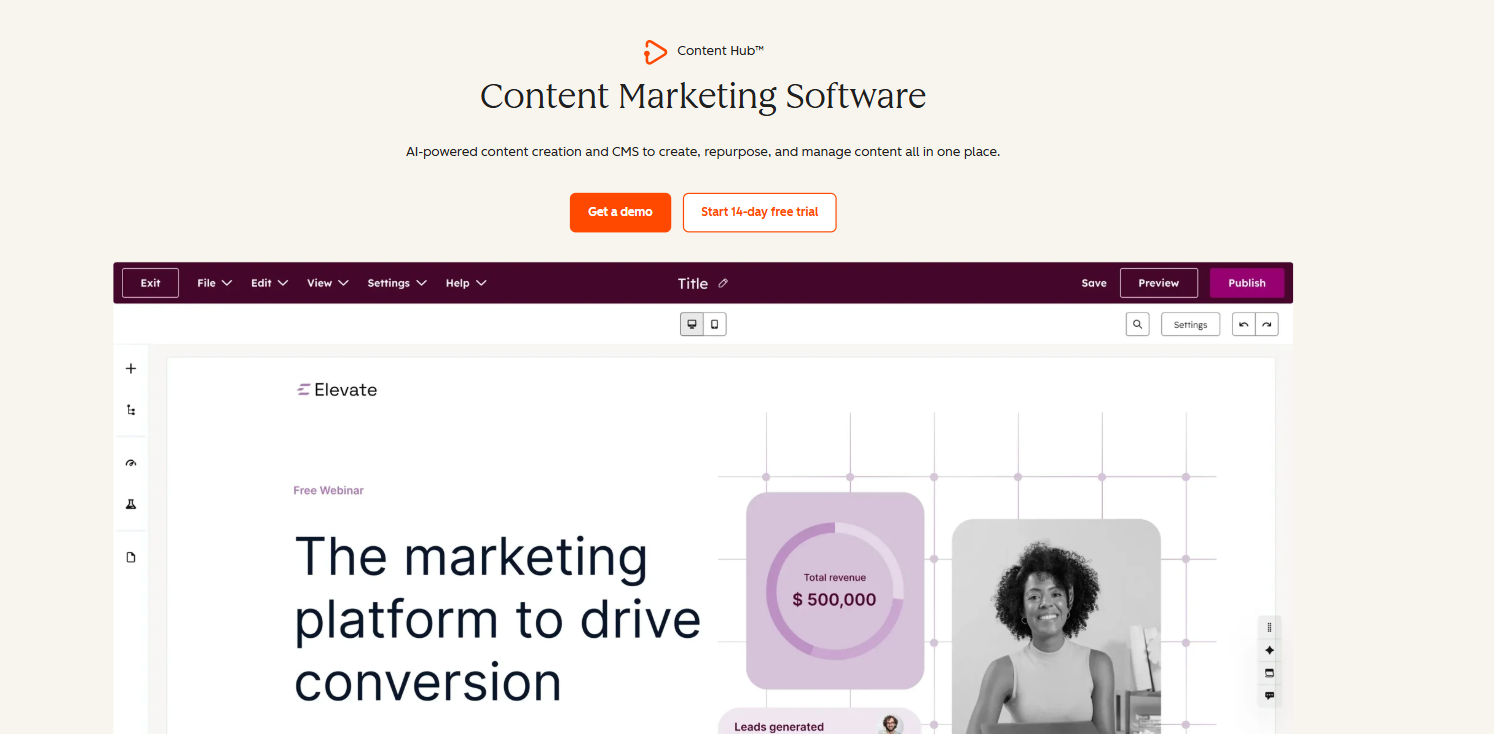
- Starter includes CRM, marketing, sales, service, and content tools.
- There are no extra fees for going over limits.
- HubSpot's AI agents help with support, sales, and research.
Our Ratings
| Category | Rating | Why |
|---|---|---|
| Ease of use | 4.5/5 | Guided onboarding and industry templates |
| Pricing value | 4/5 | Strong free tier and low Starter promo, but costs can rise with limits |
| Features | 5/5 | CRM, marketing, sales, service, payments, and AI on one platform |
| Free plan | 5/5 | No expiry and covers core CRM needs |
| Integrations | 5/5 | 2,000+ marketplace apps |
| Support | 4.5/5 | 24/7 email and chat on Starter |
| Scalability | 4/5 | Grows well, but upgrades change your budget |
| Overall | 4.5/5 | Best all-in-one option for early-stage teams |
What Is HubSpot CRM?
HubSpot CRM is the core of the HubSpot Customer Platform. It stores contacts, companies, deals, tickets, and conversations in one database called Smart CRM. Every other HubSpot product connects to it, including Marketing Hub, Sales Hub, Service Hub, Content Hub, Data Hub, and Revenue Hub.
The practical benefit is simple. A visitor fills out a form, becomes a contact, gets an automated email, books a meeting, becomes a deal, gets a quote, pays, and later opens a support ticket. All of that history sits on one record.
HubSpot reports more than 306,000 customers in over 135 countries, and says it has been voted number one in 526 G2 reports. Those are HubSpot’s own claims, but they point to a large ecosystem of templates, training, and community help, which matters when you have no IT team.
HubSpot's free CRM has no trial clock. According to HubSpot, access to its free tools never expires, so you can stay on the free plan for as long as it meets your needs and upgrade to Starter only when you hit limits or want features like branding removal and automation.
HubSpot Free Plan: What You Actually Get
Is HubSpot CRM free in 2026? Yes. HubSpot offers free tools from each core product plus Smart CRM, and the free access does not expire. There is no trial clock.
The free plan gives you the essentials to run a basic pipeline: contact records, deal tracking, forms, landing pages, live chat, chatbots, a meeting scheduler, and email tracking. HubSpot also lists a free website builder and free landing page builder among its popular tools.
What changes when you upgrade to Starter, according to HubSpot:
| Feature | Free | Starter |
|---|---|---|
| Usage limits | Lower | Higher across all products |
| HubSpot branding | Shown | Removed |
| Support | Community and help resources | Email and in-app chat, 24/7 |
| Automation | Limited | Comprehensive automation |
| Payments | Not included | HubSpot Payments (U.S. customers only) |
| Digital quote signatures | No | Yes |
| Multi-currency | No | Up to 5 currencies |
| Conversation routing | No | Automated |
| Custom field mapping in data sync | No | Yes |
For a solo founder validating an idea, free is usually enough. Upgrade when you need branding removed, higher limits, or automation that saves real hours. You can start with the free CRM here.
HubSpot CRM Pricing in 2026
| Plan | Price | Billing |
|---|---|---|
| Free tools | $0 | No expiry |
| Starter Customer Platform, promo annual | $7 per seat per month | Billed annually, annual commitment |
| Starter Customer Platform, promo monthly | $10 per seat per month | Billed monthly, no commitment |
| Starter Customer Platform, regular price | $20 per seat per month | Standard rate |
The promotional pricing is for new customers only and for a limited time, with HubSpot advertising savings of up to 65%. The Starter bundle includes Marketing Hub Starter, Sales Hub Starter, Service Hub Starter, Content Hub Starter, Data Hub Starter, and Smart CRM, plus free Revenue Hub tools.
Quick Note
The $7 and $10 Starter prices are limited time offers for new customers only, and HubSpot can change or end them at any time. Always confirm the current price on HubSpot’s official Starter pricing page before you buy. Prices shown are in USD and exclude applicable tax.
Important pricing rules from HubSpot’s own FAQ: Your subscription fee stays fixed during the term unless you add products, buy add-ons, or exceed limits such as seats, subdomains, contacts, or email sends. Instead of overage fees, HubSpot bumps you to the Professional Customer Platform. That is transparent, but it means you should check the limits before you commit. For a full breakdown, see HubSpot’s Product and Services Catalog.
Real Cost Scenarios for 1, 5, and 10 Person Teams
Seat based pricing makes cost easy to estimate. These figures use HubSpot's published Starter prices and exclude tax, add-ons, and any move to Professional.
| Team size | Promo annual ($7) | Promo monthly ($10) | Regular price ($20) |
|---|---|---|---|
| 1 person | $84 per year | $120 per year | $240 per year |
| 5 people | $420 per year | $600 per year | $1,200 per year |
| 10 people | $840 per year | $1,200 per year | $2,400 per year |
What this means: a five person startup on the annual promo pays $35 per month for CRM, marketing, sales, service, content, and data tools. Even at the regular $20 rate, that is $100 per month for the same team. The real risk is not the seat price. It is hitting a limit that triggers a Professional upgrade, so review contact, email, and seat limits before you scale a campaign. Want to see how other platforms compare on cost?
Key Features
Contact Management
Smart CRM is an AI powered database that unifies customer data across every HubSpot tool. Every contact, company, deal, and ticket sits on one record, so anyone on your team can open a contact and see the full history without asking around. You can import contacts from spreadsheets, log activity in one click, and keep records updated automatically. Even on the free plan, you get contact records, so you can start organizing your list before you pay for anything.
For teams leaving spreadsheets, the CRM data import tool is the fastest way to migrate. Clean up your columns first, such as name, email, and company, so the import maps correctly on the first try. Once your data is in, remember that HubSpot moves you to a higher plan instead of charging overage fees when you pass your limits. Not sure HubSpot is the right home for your data?
Deal Pipelines and Sales Tools
Sales features include deal pipelines, task assignment, email tracking, meeting scheduling, and quotes. You can see every deal, what stage it is in, and the next action. For a founder handling sales personally, this replaces a spreadsheet and a reminder app. Because each deal lives on the same record as the contact, you never have to search old inboxes to remember what was promised.
Customer Service Tools
The shared inbox combines chats, tickets, and emails in one place. Ticketing lets you assign, prioritize, and track customer issues, while chatbots can qualify leads, book meetings, and answer support questions on your site. Every conversation is saved on the customer’s record, so whoever picks up the next message sees what was already said.
Starter adds automated conversation routing, which sends incoming chats and emails to the right person on your team instead of leaving them in a shared pile. You also get 24/7 email and in-app chat support from HubSpot itself. If you want to automate first-line replies, read about the Customer Agent in HubSpot AI agents and Breeze, and test it on real questions before you rely on it.
Payments and Quotes
HubSpot Payments lets you accept payments, manage subscriptions, and add payment links to quotes, forms, and meeting invites. Integrated payment processing is available to U.S. customers only, so businesses elsewhere should verify availability before relying on it.
The main benefit is fewer tools. A customer can go from quote to signature to payment without leaving HubSpot, and the payment history stays on the same record as the deal. One HubSpot customer, IN-18, consolidated five payment platforms into one.
Data Sync and Reporting
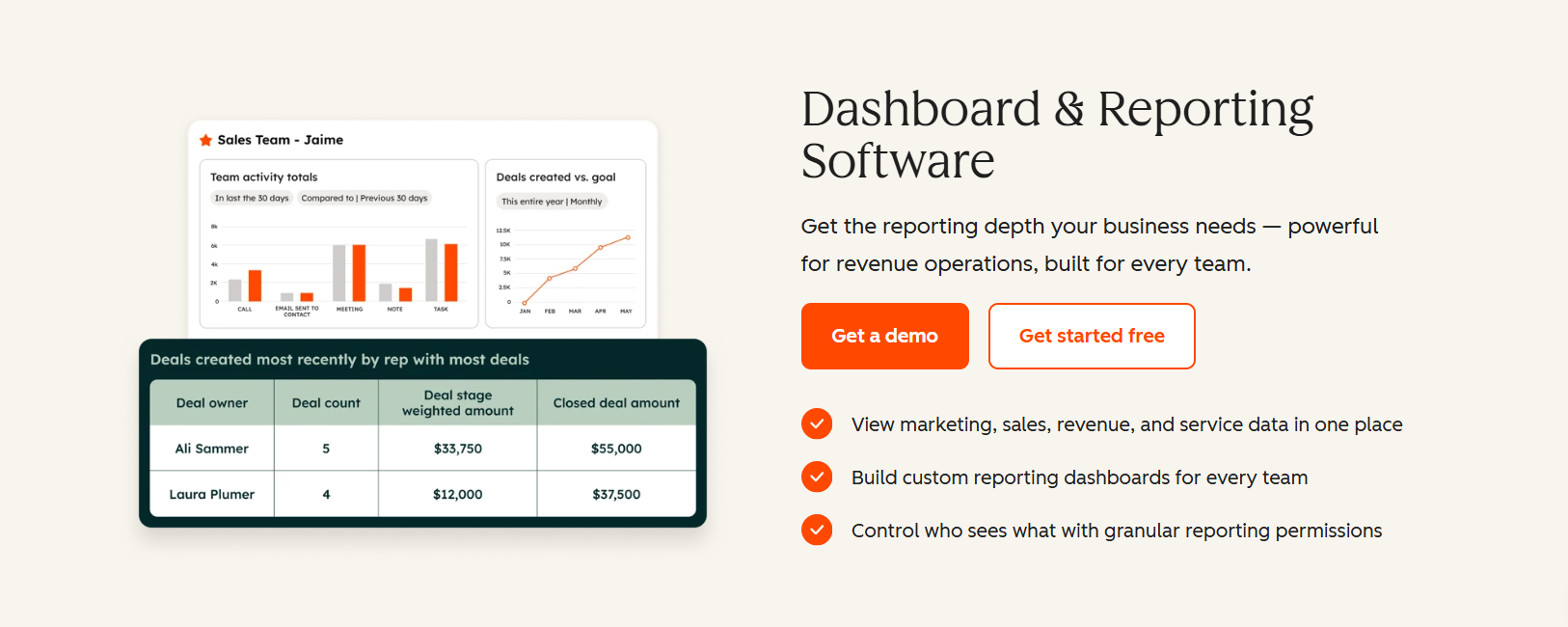
Data Sync keeps your apps and data connected without code, and built in dashboards cover marketing and sales reporting. Starter also adds custom field mappings for syncing between apps, which the free plan does not include. That means the fields in your other tools can line up with the right HubSpot properties instead of being copied over by hand.
HubSpot AI Agents and Breeze
HubSpot positions itself as an agentic customer platform in 2026. Its AI features include:
| Tool | What it does |
|---|---|
| Breeze Assistant | AI companion that helps with tasks such as content writing inside HubSpot |
| Customer Agent | Resolves customer inquiries, takes action in your CRM, and hands off to a human with full context |
| Prospecting Agent | Spots buying signals, sources contacts, and launches personalized outreach |
| Data Agent | Helps you learn which accounts are ready to buy and why |
| Agent Hub | Central place to build and manage AI agents across the platform |
| AEO (Beta) | Tracks and improves your brand's visibility in AI search results |
HubSpot says its AI agents can resolve over 65% of customer inquiries. Treat that as a best case. A small team should test the Customer Agent on real support questions before relying on it, and keep a human handoff path for anything sensitive.
For SaaS founders, the Prospecting Agent and Data Agent are the most interesting. When a team is two or three people, automating prospect research and account prioritization can free real selling time.
Integrations
HubSpot connects with more than 2,000 apps through the HubSpot Marketplace, including Gmail, Slack, Shopify, Mailchimp, Zapier, Google Ads, Asana, and Intercom. With Zapier in the mix, most niche tools in a startup stack can be connected without custom code. HubSpot also lists a Claude connector among its tools for teams that want to work with their CRM data through an AI assistant.
Pros & Cons
✓ Pros
- Free CRM that does not expire
- CRM, marketing, sales, service, content, and payments in one platform
- Guided onboarding with no paid onboarding needed on Starter
- 24/7 email and live chat support on Starter
- 2,000+ integrations
✕ Cons
- Costs can rise if you exceed limits
- Promo pricing is limited time and for new customers only
- HubSpot Payments is U.S. only
- Some AI features are in beta
Alternatives to HubSpot
Who Should Use HubSpot CRM?
- Startups and solo founders. The free CRM removes risk, and Starter gives you a full toolkit for a low seat price. 2030 Builders, a startup case study, attributes 33% of its revenue to leads generated with HubSpot. HubSpot also runs a startup partner program worth checking.
- SaaS founders. You can manage leads, nurture them by email, track deals, and support customers in one system. The AI prospecting and data agents help when you have no sales ops person.
- Small teams with scattered tools. HubSpot works well if you are juggling separate tools for forms, email, invoices, and tickets. IN-18 consolidated five payment platforms into one. Rebel Rock Wealth reports 25% year over year revenue growth and saving its founder five to seven hours per week.
- Service businesses and agencies. Shared inbox, ticketing, quotes, and payments cover the full client cycle.
FAQs
Is HubSpot CRM free in 2026?
Yes. HubSpot offers free tools and Smart CRM with no expiration date. You can upgrade to Starter for higher limits, removal of HubSpot branding, dedicated support, and more automation.
How much does HubSpot CRM cost?
The free plan costs $0. The Starter Customer Platform normally costs $20 per seat per month. New customers can currently get $7 per seat per month billed annually or $10 per seat per month billed monthly, for a limited time. Confirm current pricing on HubSpot’s pricing page.
Is HubSpot good for startups?
Yes. HubSpot builds its Starter Customer Platform for startups and small businesses, with guided onboarding, industry templates, a founder community, and connected marketing, sales, and service tools.
Is HubSpot good for SaaS companies?
It works well for early stage SaaS teams that need to capture leads, nurture them, track deals, and support customers from one system. Plan ahead for limits if your contact list grows fast.
Does HubSpot charge overage fees?
HubSpot says it does not charge traditional overage fees. If you exceed limits such as seats, contacts, or email sends, it moves you to the Professional Customer Platform.
What is the difference between HubSpot Free and Starter?
Starter increases usage limits, removes HubSpot branding, adds email and chat support, includes comprehensive automation, and adds features such as digital quote signatures, multi-currency support, and HubSpot Payments for U.S. customers.
Does HubSpot have AI?
Yes. HubSpot includes Breeze Assistant and AI agents for customer service, prospecting, and data research, plus an Agent Hub for building custom agents.
Can I move from spreadsheets to HubSpot?
Yes. HubSpot’s CRM data import tool lets you migrate contacts and data from spreadsheets or other systems.
Final Verdict: Is HubSpot CRM Worth It in 2026?
For most startups, SaaS founders, and small teams, yes. The free CRM removes the risk of trying it. Starter gives you a connected marketing, sales, service, and payments toolkit at a low per seat price. Guided setup gets you running fast, and the AI agents give a small team leverage it would otherwise need extra hires to get.
The trade off is growth planning. Check your limits, understand when a plan change happens, and confirm promotional pricing before you commit.
Our recommendation: start with the free CRM, build your pipeline, and move to Starter when you need higher limits, automation, or a branding free experience.